



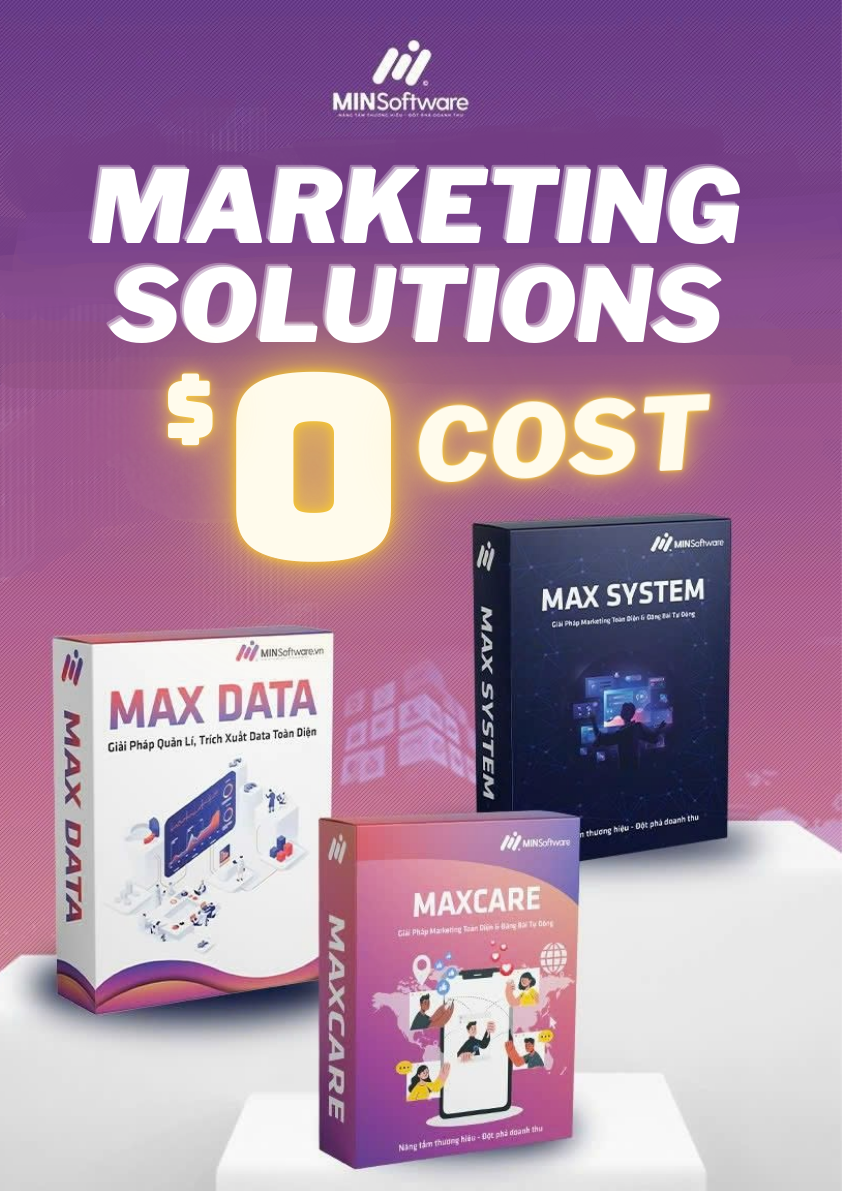
Max Cloud Phone
Master Your Marketing with AI-Powered Remote Control, All in One Solution
Max Phone Farm
Provides automated phone farming technology on mobile devices

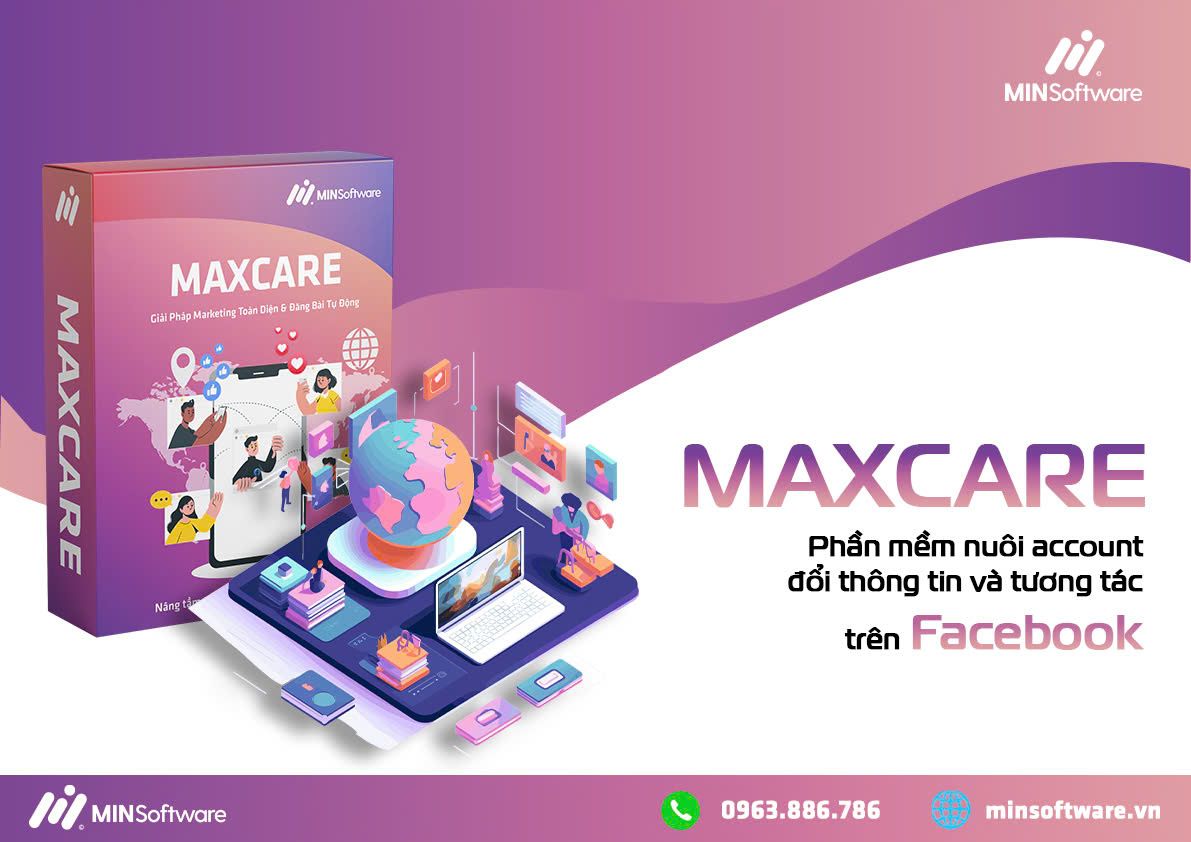
Max Care Facebook
Account farming, information changing, interaction

Max System Care
Farm Facebook accounts on a virtual machine

max data
Scan data from Facebook as needed

Max Hotmail
Farm and manage multiple Hotmail accounts

Max TikTok
Manage and boost interaction for TikTok accounts

Max Care Page
Manage and automate Facebook fan pages

Max Reup Facebook
Reupload videos, manage Facebook fan pages

Max Twitter Pro
Manage multiple Twitter accounts, interact.

Max Instagram Pro
Automate Instagram account management















 Facebook